
Docs / one page per tool
Docs
Each page explains one tool in plain words, then gets precise: how to install
and run it, every flag with its default, and worked examples with real output.
Everything runs from the same fieldkit CLI, and every tool
arrives through the same plugin manager.
-
plugins
Start here: one core install, then add, remove, and update tools; where installs come from.
Read -
xray
Profile schema, types, nulls, stats, outliers, and PII flags for an unfamiliar file.
Read -
scrub
Replace detected PII with deterministic realistic fakes so files stay joinable.
Read -
mimic
Learn an editable YAML spec from real data, then generate seeded synthetic rows.
Read -
datadiff
Compare two dumps for schema changes, keyed row changes, and value drift.
Read -
debrief
Log wins and blockers as they happen, then render a stakeholder-ready weekly status.
Read -
tell
Inspect drafts for stylometric tells, then strip deterministic slop patterns.
Read -
netwatch
Launch or attach agents, inspect destination evidence, and manage next-run policy from a local control room.
Read -
awcp
Check a WorkloadSpec, diff two versions, and score a recorded golden suite. Local only.
Read
Good to know before you start
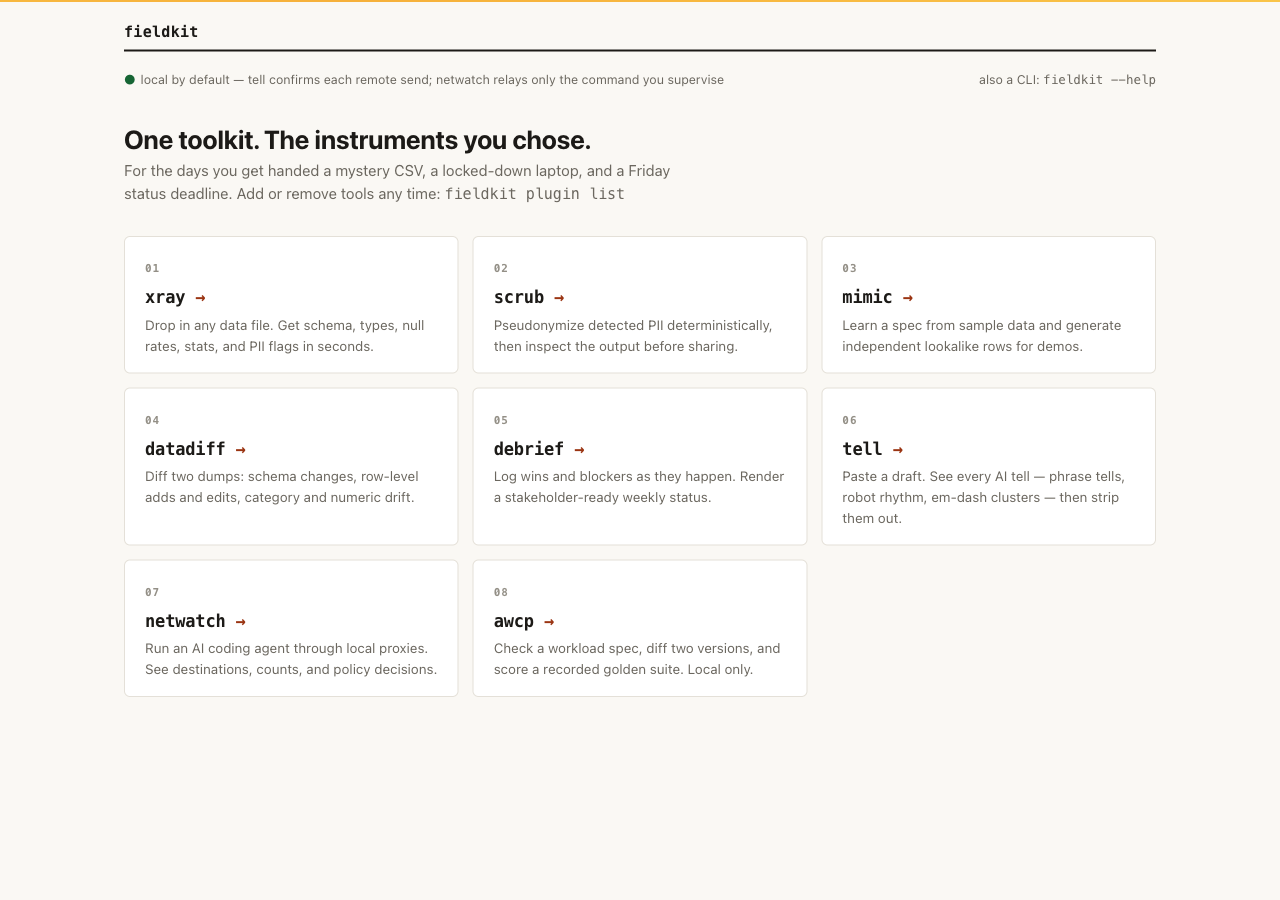
The toolkit is one small fieldkit core plus the tools you add:
fieldkit plugin add xray puts a tool on the machine, and the
plugins page covers removal, updates, install
sources, and writing your own. GitHub Release wheels install by explicit
path; from a pinned checkout, uv sync installs the core and
all eight tools editable, which is why the examples in these docs use
uv run fieldkit <tool>.
If you would rather point and click, fieldkit serve starts a
local web hub on loopback (port 8765, or a free port if that is taken) and
prints the URL. File tools provide their
drag-and-drop workbenches, netwatch opens its local control room, and awcp
checks a dropped WorkloadSpec. Tools you have not added sit dimmed with their
plugin add command on the card.
About the sample output
Every output snippet in these docs comes from running the printed command against
the repository's examples/ files. Snippets are abridged: trimmed for
width and length, never invented. Product screenshots are real local UI with
synthetic sample data. The netwatch capture is generated sample evidence
from a real supervised command to a local sample endpoint: one completed
generic session and two HTTP requests, no customer or external traffic.
The awcp screenshot is Eval of recorded sample outputs; no model ran.