
Docs / 05 Report
debrief
debrief is a ten-second log for the moment something happens: a win, a blocker, a decision. On Friday, one command turns the week's entries into a status report that reads like you spent an hour on it.
When to reach for it
It is Friday at 4pm, the status email is due, and the week is a blur. If
you logged as you went, the report writes itself. Entries live in a local
SQLite file at ~/.fieldkit/debrief.db, nowhere else.
What it does
Every entry is one line of text plus a tag: win,
blocker, decision, note (in progress),
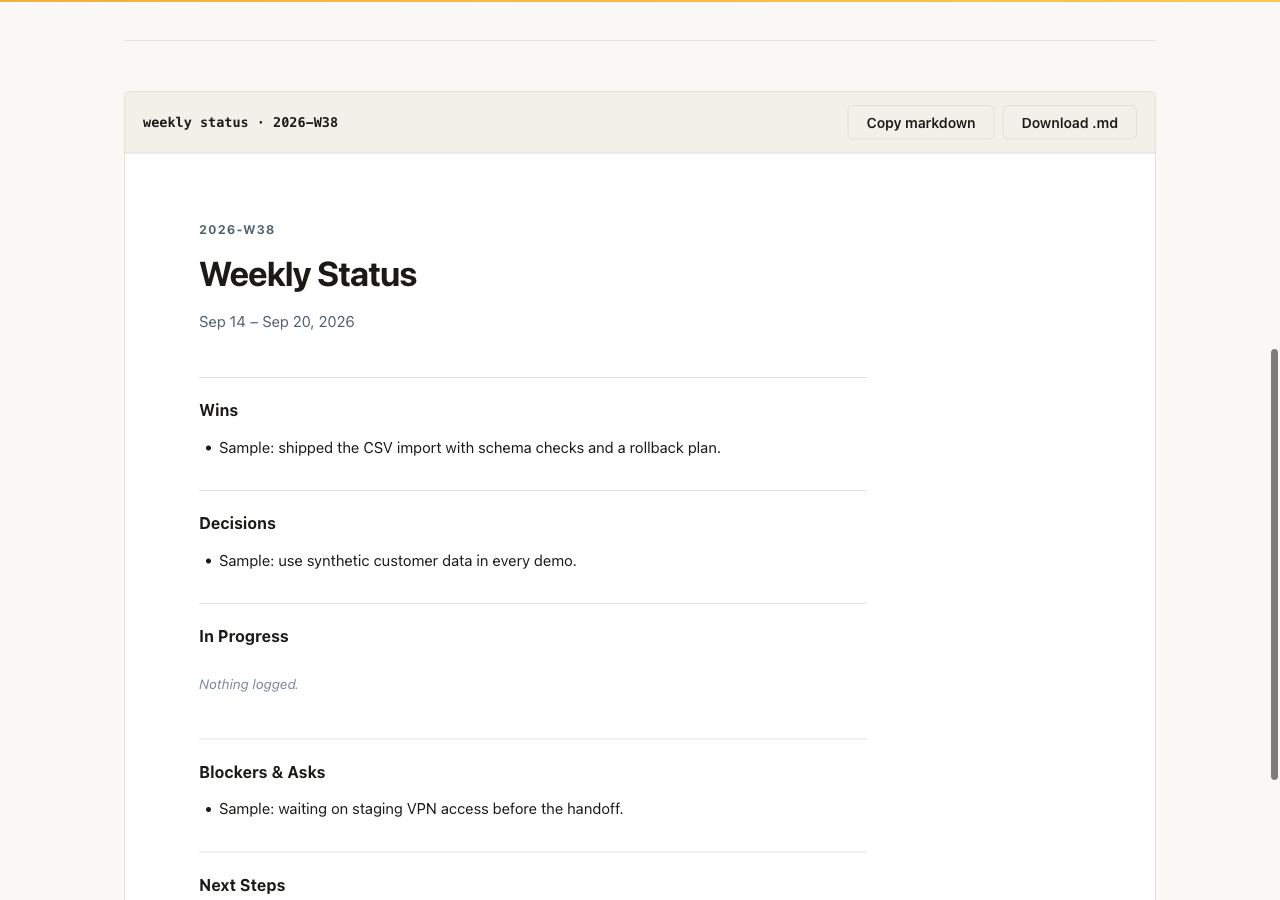
or next. The report groups the week's entries under
stakeholder-friendly headings (Wins, Decisions, In Progress, Blockers &
Asks, Next Steps) and prints markdown by default, or writes files with the
output flags. Weeks are ISO weeks, like 2026-W32. Empty or
whitespace-only notes are rejected. Entries live in
~/.fieldkit/debrief.db, or wherever
FIELDKIT_DEBRIEF_DB points.
Install and run
Already running the fieldkit core? The tool is one
plugin add away:
fieldkit plugin add debrief
fieldkit debrief report
Working from the fde-fieldkit repo instead? You need
uv; one uv sync installs
the core and every tool editable:
uv sync
uv run fieldkit debrief report
Every flag
debrief add
| Flag | Default | What it does |
|---|---|---|
TEXT |
required | The note to log, quoted. Keep it one sentence; future you will thank you. |
--tag TAG |
required | One of: win, blocker, decision, note, next. Case-insensitive. |
--db PATH |
~/.fieldkit/debrief.db | Use a different database, for example one per engagement. |
debrief list
| Flag | Default | What it does |
|---|---|---|
--week YYYY-WNN |
all entries | Only show one ISO week, like 2026-W32. |
--tag TAG |
all tags | Only show one category, like blocker. |
--db PATH |
~/.fieldkit/debrief.db | Read from a different database. |
debrief report
| Flag | Default | What it does |
|---|---|---|
--week YYYY-WNN |
current week | Render a specific ISO week instead of this one. |
-o, --output PATH |
print to terminal | Write the markdown report to a file. |
--html PATH |
off | Write an HTML version, for the audience that lives in email. |
--db PATH |
~/.fieldkit/debrief.db | Read from a different database. |
debrief delete
| Flag | Default | What it does |
|---|---|---|
ENTRY_ID |
required | The entry id to delete. Ids are printed by add and list. |
--db PATH |
~/.fieldkit/debrief.db | Delete from a different database. |
Worked examples
1. Log as the week happens
Each add prints its entry id and tag, so you know it landed. This is the whole habit: one line at the moment it happens.
uv run fieldkit debrief add "shipped ingestion pipeline to prod" --tag win
uv run fieldkit debrief add "waiting on VPN access for staging" --tag blocker1 win
2 blocker2. Render the Friday status
The default report covers the current ISO week and prints markdown you can paste straight into an email or a doc.
uv run fieldkit debrief report# Weekly Status
**2026-W32 · Aug 3 – Aug 9, 2026**
## Wins
- shipped ingestion pipeline to prod
## Blockers & Asks
- waiting on VPN access for staging
## Next Steps
Nothing logged.3. Check open blockers, or send HTML
list --tag blocker is a quick standup answer. For stakeholders
who prefer a formatted page over markdown, render the same week as HTML.
uv run fieldkit debrief list --tag blocker
uv run fieldkit debrief report --week 2026-W32 --html status.html
Next steps
The report is only as good as the log, so wire the add command into your muscle memory. When the status needs evidence attached, the HTML reports from xray and datadiff travel well alongside it.