
Docs / 03 Synthesize
mimic
mimic studies a sample of real data and learns its shape: column types, category pools, value distributions, even ID patterns. Then it generates as many new rows as you want. Recognized PII columns use source-free generators; ordinary category labels and observed distribution boundaries stay in the spec.
When to reach for it You need a convincing demo, a load test, or a shareable dataset, and the only realistic data you have is data you are not allowed to show. mimic removes recognized sensitive values from learned rules, then generates volume from the remaining categories and distributions. Review both spec and output before sharing because non-PII source values can remain.
What it does
mimic learn writes a plain YAML spec describing each column.
Open it in any editor: rename columns, adjust null rates, change category
pools, tweak ranges. mimic generate then produces rows from
that spec. Two properties worth knowing:
- Recognized PII columns use independent source-free providers and store neither their source values nor stable hashes. Non-PII categories and exact distribution endpoints are retained, so inspect the spec and generated data before sharing.
- The same seed always produces the same output, so a demo you rehearsed is the demo you present.
-
Learned
uniqueflags for email, phone, ssn, credit card, and IP mirror whether the sample column was unique, and generation retries to keep that promise for those kinds.
In a hurry, you can skip the spec entirely and point
mimic generate straight at a sample file.
Install and run
Already running the fieldkit core? The tool is one
plugin add away:
fieldkit plugin add mimic
fieldkit mimic learn customers.csv -o spec.yaml
Working from the fde-fieldkit repo instead? You need
uv; one uv sync installs
the core and every tool editable:
uv sync
uv run fieldkit mimic learn examples/customers.csv -o spec.yaml
Every flag
mimic learn
| Flag | Default | What it does |
|---|---|---|
SAMPLE |
required | The sample data file to learn from. |
-o, --output PATH |
required | Where to write the hand-editable YAML spec. |
--help |
Show usage and exit. |
mimic generate
| Flag | Default | What it does |
|---|---|---|
SOURCE |
required | A YAML spec, or a sample data file to learn from on the fly. |
-n, --rows N |
1000 | How many rows to generate. |
--seed N |
0 | Random seed. Same seed, same output, every time. |
-o, --output PATH |
required | Output file. The extension picks the format: .csv, .tsv, .json, .jsonl, .ndjson, or .xlsx. |
--help |
Show usage and exit. |
Worked examples
1. Learn a spec and read it
The spec is meant to be opened. Here is the top of one learned from the example customers file. Notice the ID pattern it inferred, and that recognized PII columns contain no source values or stable fingerprints.
uv run fieldkit mimic learn examples/customers.csv -o spec.yamlname: customers
rows_sampled: 150
columns:
- name: customer_id
kind: id_pattern
params:
pattern: CUST-####
start: 1
unique: true
null_rate: 0.0
- name: first_name
kind: name
params:
words: 1
(and so on for all 14 columns)2. Generate a big, repeatable demo
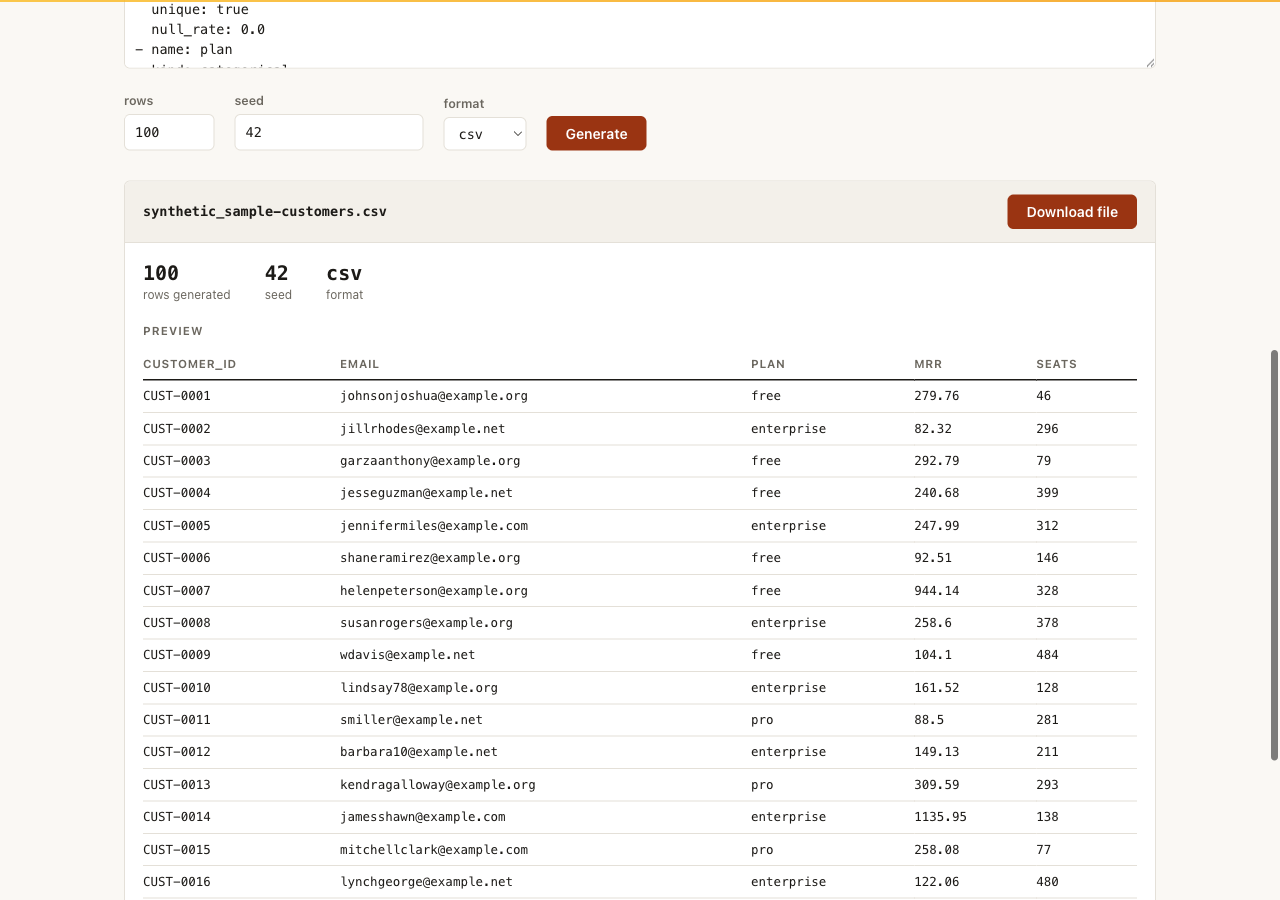
Ten thousand rows, pinned to seed 42. Run it tomorrow on another laptop and you get byte-identical data.
uv run fieldkit mimic generate spec.yaml -n 10000 --seed 42 -o demo.csvwrote demo.csv (10000 rows)
$ head -2 demo.csv
customer_id,first_name,last_name,email,phone,...
CUST-0001,Danielle,Alicia,craigjoseph@example.net,336.288.4443,...3. Skip the spec when you are in a hurry
Point generate straight at the sample. mimic learns the spec in memory and generates in one step. You lose the chance to edit the spec, which is the trade.
uv run fieldkit mimic generate examples/customers.csv -n 500 -o demo.csvwrote demo.csv (500 rows)Next steps
Check the generated file with xray to confirm the shape matches. If you would rather share masked real data than synthetic data, that is scrub.